An AI song maker is a tool for generating and improving song drafts from text direction. CreateSongAI focuses on practical creation: write a prompt, generate a version, listen, then refine the next version with better instructions.
AI Song Maker
An online AI song maker for practical creation: generate a draft, compare variants, refine prompts or lyrics, and keep improving the version that sounds closest to your goal.
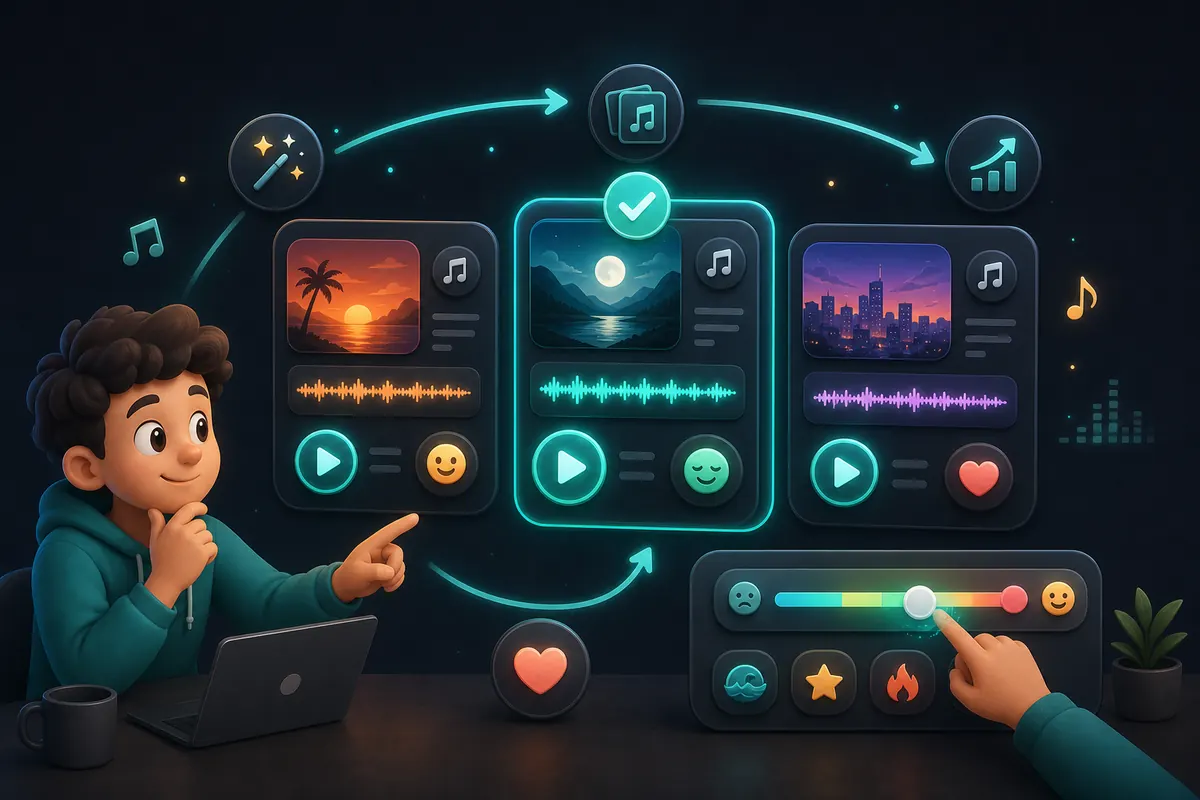
A workflow for improving song versions
The AI Song Maker is for iteration, not just one-click output. Use it to test a concept, listen critically, adjust one variable, and generate a new version with clearer direction. That workflow is useful when you care about finding the right hook, mood, genre fit, vocal feel, or structure. Instead of rewriting everything after every result, keep what works, change what does not, and use each generation as evidence for the next creative decision.
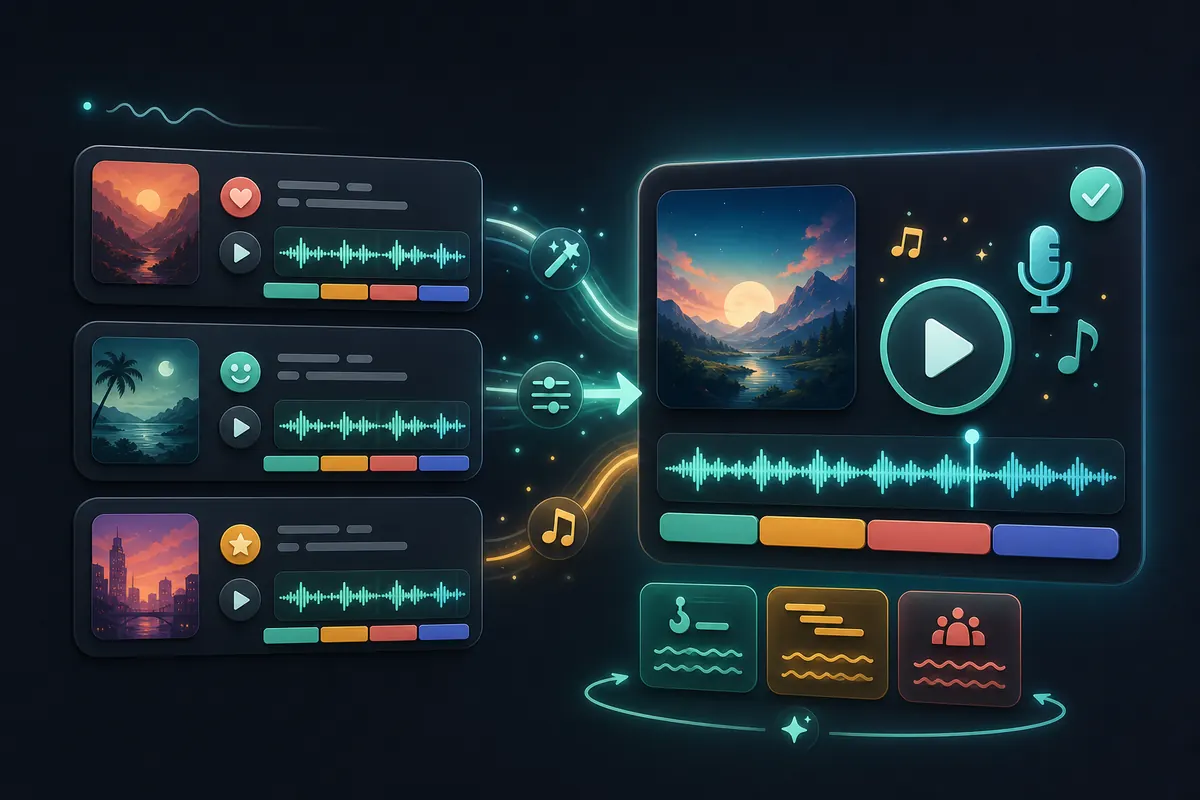
What the workflow supports
- •Prompt-to-song drafts for fast creative testing
- •Variant comparison across mood, style, lyrics, and vocal direction
- •Refinement cycles for hooks, structure, pacing, and tone
- •Practical song drafts for creators, teams, and hobby projects
- •Follow-up paths into lyrics, extension, and production tools
When to use this AI song maker
You need multiple versions before choosing
Generate alternatives with different style or mood instructions, then compare them by listening instead of guessing from the prompt alone.
You have lyrics but the fit is not right yet
Adjust section labels, wording, and vocal guidance until the music supports the lyric instead of working against it.
You are building a repeatable creative process
Use a consistent cycle: prompt, generate, review, revise, and keep the version that moves the project forward.
You want practical drafts for review
Share early versions with collaborators or clients to discuss direction before committing more time to production work.
How makers iterate
Sam - Podcast producer
"I use variants to test whether a theme song should feel playful, serious, or cinematic before the team reviews it."
Elena - Singer-songwriter
"I paste lyrics, listen for the weak section, then rewrite only that part instead of throwing away the whole idea."
Chris - Agency strategist
"The useful part is comparison. A few drafts make it easier to explain why one music direction fits the brief."
June - Music hobbyist
"I treat each result like feedback. If the chorus feels right but the verse does not, I change the prompt around that detail."
Make, compare, and refine your next song
Start with a focused prompt, listen for the strongest idea, then iterate with specific changes so each song draft moves closer to the purpose.
Make a SongPolish lyrics before the next version
When words are the weak point, improve the lyric draft first so the next generation has clearer material.
Open AI Lyrics GeneratorExplore instrumental direction
Use instrumental generation to test mood and pacing before returning to a full vocal song.
Open Text to MusicExtend the version that works
If a draft has the right feel, continue the song rather than generating unrelated alternatives.
Open Extend SongUse the broad generator
Open the main AI Song Generator for the standard full-song workflow across genres and use cases.
Open AI Song GeneratorFrequently Asked Questions
Give the model specific creative constraints, then revise one thing at a time. Change the mood, tighten the lyrics, clarify the genre, or ask for a different vocal feel. Small focused changes are easier to evaluate than rewriting the whole prompt.
Yes. Variant testing is one of the best uses for this workflow. Try different genres, tempos, emotional tones, or lyric revisions around the same core idea, then keep the version that best supports your goal.
No. Beginners can use plain-language prompts, while experienced creators can add more detailed direction. The workflow is useful for anyone who wants to hear and compare song ideas quickly.
You can refine your next generation with better lyrics and prompts, and you can continue promising drafts with related tools such as song extension. Exact editing options depend on the current product workflow and plan.
Commercial rights depend on your active plan and applicable license terms. Review the current Pricing, License, and Terms pages before using generated music in paid, client, distributed, or monetized work.