Start by describing the song in plain English. Include the topic, mood, genre, audience, and any lyric ideas you already have. Generate a draft, listen for what works, then revise the prompt or lyrics to improve the next version.
Create a Song
A fast starting point for beginners who want to make a song without setting up music software. Type the idea, choose a direction, generate a draft, and use what you hear to make the next version better.
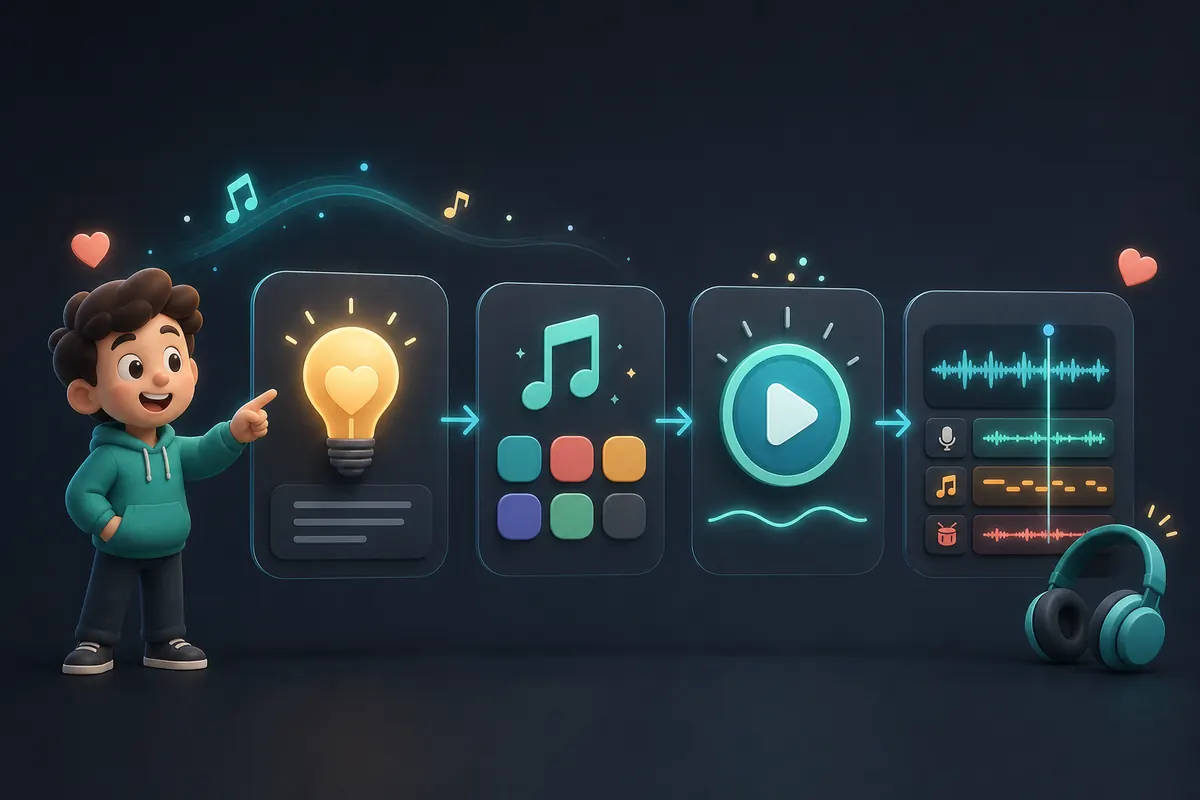
A quick path from idea to song draft
This page is designed for people who want to create a song now. Begin with the simplest useful prompt: who the song is for, what it should feel like, and what style should guide it. You can start with only a few sentences. After listening, decide whether to adjust the lyrics, mood, structure, or genre. CreateSongAI works best for beginners when you move quickly from idea to audio, then make focused improvements instead of trying to write a perfect prompt on the first try.
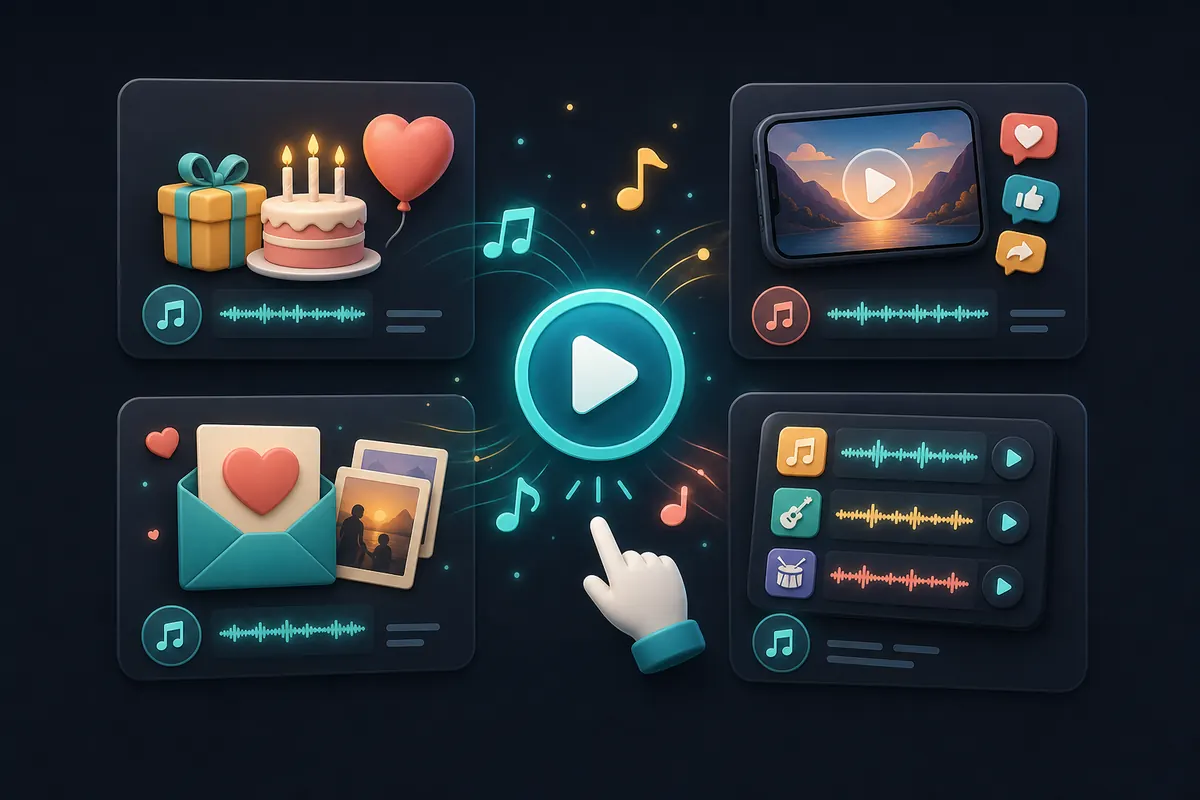
What you can make quickly
- •Beginner-friendly song drafts from short prompts
- •Songs for personal moments, social videos, demos, and experiments
- •Prompt-based versions in different moods or genres
- •Drafts from rough lyrics, titles, or simple story notes
- •First versions you can refine after listening
Fast song creation ideas
Make a first song without production tools
Skip complex setup and use plain language to turn your first idea into an audio draft.
Create a song for a personal occasion
Use details about a birthday, anniversary, friendship, or memory to create a track with a specific emotional center.
Try music for short-form content
Generate quick song concepts for intros, reels, short videos, and campaign tests before deciding what deserves more polish.
Try several styles before choosing one
Use the same idea with different mood and genre instructions to hear which direction feels closest.
How people start fast
Leo - First-time creator
"I did not know how to produce music, so I wrote the story in normal sentences and used the first draft as my starting point."
Grace - Social editor
"For quick video tests, I use this page to hear whether a concept works before spending time on a final edit."
Marcus - Parent
"I made a birthday song from a few family details, then changed the mood until it felt warm instead of too dramatic."
Iris - Student filmmaker
"I use fast drafts to explore tone. Once I hear one that fits, I can write a better prompt for the next version."
Create your first song draft now
Start with a clear idea, not a perfect one. Describe the subject, mood, audience, and style, then let the first version show you what to improve.
Start CreatingNeed help writing words?
Use the lyrics workflow when the idea is clear but the verses and chorus need more shape.
Open AI Lyrics GeneratorWant an instrumental first?
Build a background mood or music bed before deciding whether the song needs vocals.
Open Text to MusicReady for more controls?
Move to the main generator when you want broader options for full-song creation.
Open AI Song GeneratorNeed to continue a good draft?
If the first result has the right core idea, extend it instead of starting from scratch.
Open Extend SongFrequently Asked Questions
No. CreateSongAI is designed so beginners can start with everyday language. Music knowledge can help you write more specific prompts, but it is not required to make a first song draft.
Describe the situation and feeling. Mention who the song is for, what happened, whether it should feel joyful or reflective, and what genre or tempo you imagine. Clear context makes the result easier to judge.
Yes. You can create song drafts for videos, social posts, demos, and concept tests. Before using a generated song in a monetized, distributed, or client project, check the license terms for your current plan.
Not always. The first generation is best treated as a draft. You may need to revise the prompt, adjust lyrics, change the style, or generate another version before choosing one to keep.
CreateSongAI offers a free starting path with account limits that may vary by plan and availability. Check the current product and pricing pages for the latest quota, download, and license details.